
Have you ever wondered if your dash cam keeps recording when your car is turned off? Imagine this: someone bumps into your parked car and drives away, leaving you with no proof.
Your dash cam could be your silent witness, capturing everything even when you’re not behind the wheel. But does it really work when your car is off? You’ll discover how dash cams function after you park, what features to look for, and how to keep your vehicle protected 24/7.
Stay with me, because what you learn here could save you from future headaches and unexpected costs.

Credit: www.reddit.com
How Dash Cams Operate When Off
Dash cams keep recording even when the car is off. They do this by using special power setups. This helps protect your car and captures events while parked.
Understanding how these cameras work when off can help you pick the right model and setup for your needs.
Power Sources For Dash Cams
Dash cams need power to work after the engine stops. They get power from different sources. Common types include battery power, car battery, and external power banks.
- Internal battery inside the dash cam
- Direct connection to the car’s battery
- Power from a USB or cigarette lighter socket
- External power sources like power banks or solar chargers
Parking Mode Features
Parking mode lets dash cams record while the car is parked and off. It detects movements or impacts and starts recording. This helps catch incidents like vandalism or hit-and-runs.
Some parking modes include:
- Motion detection to start recording when something moves near the car
- Impact detection to record if the car is hit
- Time-lapse recording to save storage space
Battery Vs Hardwired Systems
| Feature | Battery System | Hardwired System |
|---|---|---|
| Power Source | Internal or small battery | Connected to car battery |
| Recording Time When Off | Limited, usually minutes | Longer, hours or days |
| Installation | Easy, plug and play | Needs professional wiring |
| Risk of Battery Drain | Low | Higher if not set properly |
| Cost | Lower | Higher |

Credit: www.redtigercam.com
Types Of Dash Cam Parking Modes
Dash cams can work even when your car is off. They help protect your vehicle in parking areas.
There are different parking modes to choose from. Each mode records events in a unique way.
Motion Detection Mode
This mode starts recording when it detects movement near your car. It saves battery by not recording all the time.
It helps catch people or animals moving close to your vehicle. The camera stays off when no motion is detected.
- Activates only on nearby movement
- Saves storage space and power
- Good for busy parking areas
Impact Detection Mode
This mode records video if the camera senses a shock or impact. It works even if the car is parked and off.
The dash cam uses sensors to detect bumps or hits. It protects your car from hit-and-run damage or vandalism.
- Triggers recording on physical impact
- Records events like collisions or bumps
- Useful for parking lots and streets
Time-lapse Recording
Time-lapse mode records video at slow intervals. It saves storage while showing long periods in short clips.
This mode is good for monitoring your car over many hours. It shows any changes or movements around your vehicle.
- Records at set time intervals
- Uses less memory than full video
- Shows long events in short videos
Power Management And Battery Life
Dash cams can record even when your car is off. This feature uses power from your car battery. Managing this power is important to avoid draining the battery.
Understanding how dash cams use energy helps you keep your battery healthy. Let’s look at key points about power and battery life.
Energy Consumption In Parking Mode
Parking mode lets your dash cam record while your car is parked and off. It uses less energy than normal recording, but still draws power.
- Dash cams use low power sensors to detect motion or impact.
- Energy use depends on the camera’s features and settings.
- Some models have timers to limit recording time in parking mode.
- Continuous recording uses more battery than event-based recording.
Battery Capacity Considerations
Your car’s battery size affects how long the dash cam can run in parking mode. Bigger batteries provide more power for longer times.
| Battery Type | Typical Capacity (Ah) | Parking Mode Runtime (Hours) |
| Standard Lead-Acid | 45-60 | 10-15 |
| AGM (Absorbent Glass Mat) | 60-80 | 15-20 |
| Lithium-ion | 80-100 | 20-25 |
Preventing Battery Drain
Taking simple steps can stop your battery from draining due to dash cam use.
- Use a low voltage cutoff feature to protect the battery.
- Turn off parking mode if you park for many days without starting the car.
- Choose dash cams with efficient power management.
- Regularly check your car battery health and charge level.
Installation Options For Off-state Recording
Dash cams can record even when your car is off. This helps capture events like break-ins or accidents. Different setups let your dash cam stay powered without draining your car battery.
Choosing the right installation method depends on your needs and vehicle. Below are common options to keep your dash cam recording after you park.
Using A Hardwire Kit
A hardwire kit connects the dash cam directly to your car’s fuse box. This allows the camera to get constant power even when the engine is off. It usually includes a voltage cutoff to protect your battery.
- Tap into a fuse that has power when the car is off
- Use a fuse tap adapter for a clean connection
- Set voltage cutoff to avoid battery drain
- Professional installation is recommended for safety
External Battery Packs
External battery packs provide power without draining your car battery. They charge while driving and supply energy to the dash cam when the car is off. This option is easy to install and portable.
| Feature | Benefit |
| Portable | Can be removed or shared between cars |
| Battery Capacity | Lasts several hours of recording |
| Easy Setup | Plugs into cigarette lighter or USB port |
| Protects Car Battery | Prevents car battery drain |
Cigarette Lighter Power Supply
This method powers the dash cam through the cigarette lighter socket. It is simple but only works if the socket has power when the car is off. Some cars cut power to the socket after the engine stops.
- Plug dash cam into the cigarette lighter
- Check if socket has constant power
- Use a low-voltage alarm to avoid battery drain
- Easy to install without tools
Legal And Privacy Considerations
Dash cams can record even when the car is off. This raises legal and privacy questions. Understanding these issues helps avoid trouble.
It’s important to know how these recordings are used. This involves where you record, who owns the data, and local laws.
Recording In Private Spaces
Recording in private spaces, like driveways or garages, can be tricky. People expect privacy in these areas. Make sure you have permission.
- Ask permission before recording on private property
- Inform guests if they are being recorded
- Check if local laws require consent for recording audio
Data Storage And Ownership
Data from dash cams needs secure storage. Knowing who owns the data is also important. This affects how it can be used or shared.
| Data Type | Who Owns It? |
| Video | Car Owner |
| Audio | Depends on Consent |
Local Regulations On Surveillance
Local laws about surveillance vary widely. Some places have strict rules. Others may not. It’s key to understand what applies where you live.
Troubleshooting Common Issues
Dash cams are useful for safety and security. They often work even when your car is off. But sometimes problems happen.
This guide helps you fix common issues with dash cams when your car is not running. You can try simple steps to solve them.
Dash Cam Not Recording When Car Is Off
Some dash cams stop recording when the car is off. This can happen if the camera is not set to parking mode. Parking mode lets it record while parked.
Check if your dash cam supports parking mode. Also, make sure it is turned on in the settings. Without this, the camera will turn off with the car.
- Enable parking mode in dash cam settings
- Connect dash cam to a constant power source
- Check if the fuse for parking mode is working
- Update dash cam firmware if available
Battery Draining Quickly
A dash cam working while the car is off uses power from the car battery. This can drain the battery fast if the camera draws too much power.
Use a low power mode if your dash cam has it. Some models have a battery saver to stop draining. Also, check the wiring to avoid power leaks.
- Enable low power or battery saver mode
- Use a hardwire kit with a voltage cutoff feature
- Check and replace old or weak car battery
- Turn off dash cam when not needed for long periods
Memory Card Problems
Memory cards can cause recording issues. If the card is full, damaged, or not compatible, the dash cam may not save videos correctly.
Format the memory card regularly to keep it working well. Use cards recommended by the dash cam maker. Avoid cheap or very old cards.
- Format the memory card in the dash cam
- Use high-quality, compatible memory cards
- Replace memory card if errors appear often
- Keep extra memory cards for backup
Choosing The Right Dash Cam For Off-mode Use
Not all dash cams work when the car is off. Choosing the right one is important if you want to record while parked. This guide will help you find the best dash cam for off-mode use.
Some dash cams have special features that allow them to record when your car is parked. These features can help you keep an eye on your vehicle even when you are not around.
Features To Look For
When choosing a dash cam for off-mode use, look for certain features. These features ensure the camera works well even when the car is off.
- Parking mode: This feature records when the car is parked.
- Motion detection: The camera starts recording when it detects movement.
- Low power consumption: Important for battery life when the car is off.
- G-sensor: Detects impacts and saves footage automatically.
Top Models With Parking Mode
Some dash cams are known for their parking mode capabilities. These models offer reliable performance when your car is parked.
- Thinkware F800 Pro: Offers excellent video quality and parking mode.
- BlackVue DR750S-2CH: Known for its cloud connectivity and motion detection.
- Viofo A129 Duo: Provides dual-channel recording with parking mode.
Budget Vs Premium Options
Dash cams come in different price ranges. You can choose between budget and premium options based on your needs.
| Budget Options | Premium Options |
| Yi Smart Dash Cam: Affordable with basic features. | Garmin Dash Cam 66W: High-end features with excellent performance. |
| AUKEY Dash Cam: Cost-effective with essential functions. | Nextbase 622GW: Offers 4K recording and built-in Alexa. |
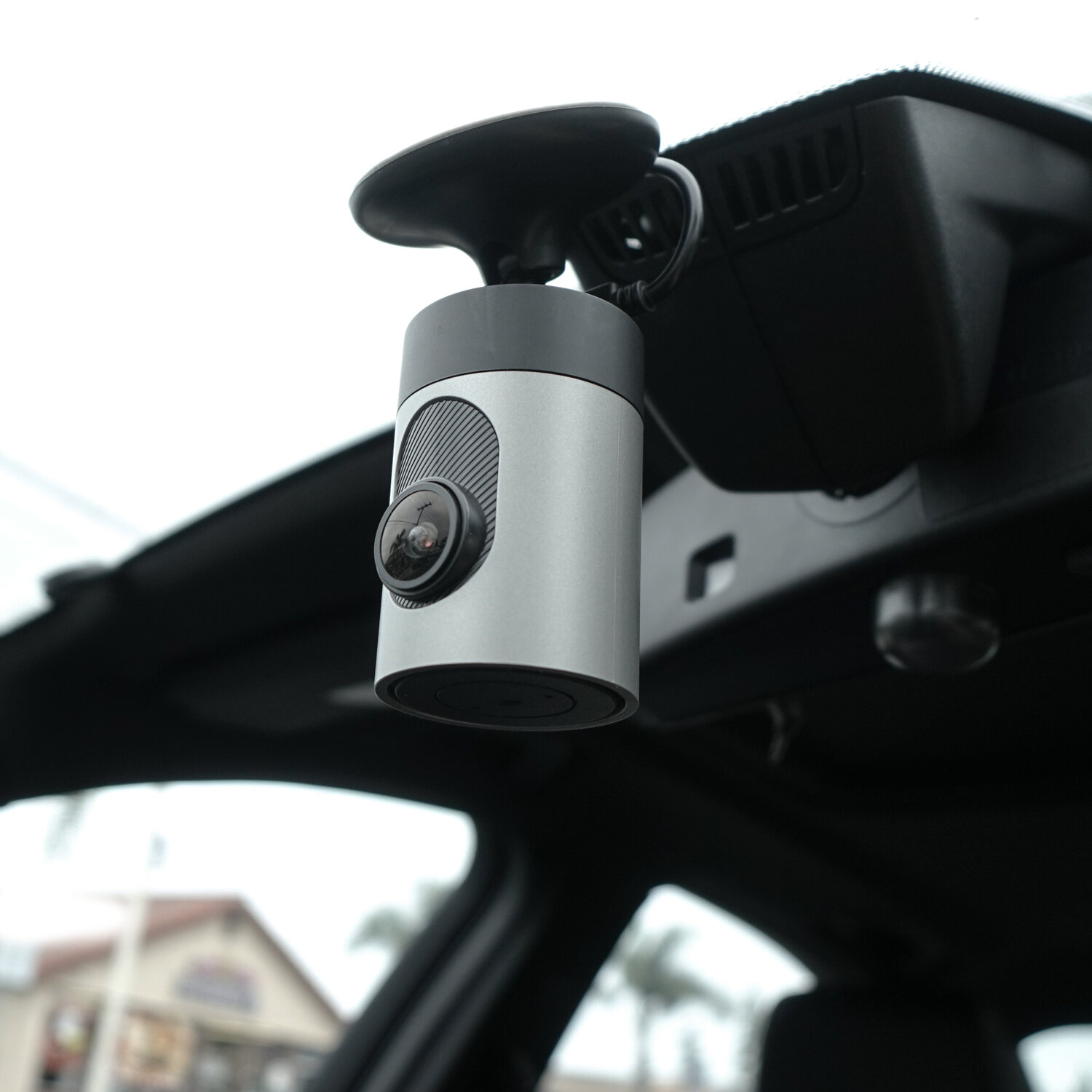
Credit: www.grdian.com
Frequently Asked Questions
Does A Dash Cam Work When The Car Is Off?
Most dash cams stop recording when the car is off unless they have parking mode or external power. Parking mode lets the dash cam monitor while parked, using motion or impact sensors to record incidents.
How Does Parking Mode Help Dash Cams When Off?
Parking mode activates the dash cam to record while the vehicle is off. It uses motion detection or G-sensors to capture events like impacts or movements around the car for security.
Can Dash Cams Drain Car Battery When Off?
Yes, dash cams with parking mode draw power continuously and can drain the car battery if used excessively without proper power management or a hardwire kit.
What Powers Dash Cams When The Car Is Off?
Dash cams can be powered by a hardwire kit connected to the car’s fuse box or an external battery pack. This allows recording even when the engine is off.
Conclusion
Dash cams can keep recording even when cars are off. This feature helps protect vehicles from damage and theft. Some models use parking mode or built-in batteries. Choosing the right dash cam depends on your needs. Always check power options and recording settings.
A dash cam adds extra safety and peace of mind. It’s a smart tool for any driver. Remember to install and use it correctly for best results. Stay safe on the road with reliable dash cam support.







