
Is your car’s GPS feeling outdated or slow? Upgrading it can make a huge difference in how easily you find your way and stay connected on the road.
Whether you want better maps, faster routes, or new features, improving your GPS doesn’t have to be confusing or expensive. You’ll discover simple, step-by-step ways to upgrade your car’s GPS so you can enjoy smoother drives and avoid frustrating detours.
Ready to take control of your navigation? Let’s dive in.
Choosing The Right Gps System
Upgrading your car’s GPS can improve your driving experience. Picking the right system matters for ease and function.
Consider your needs and car type before buying a new GPS unit. This guide helps you choose wisely.
Built-in Vs Portable Gps
Built-in GPS systems come installed in your car. Portable GPS units you can move between vehicles.
Built-in units look neat and often connect to your car’s screen. Portable devices offer flexibility and easy updates.
- Built-in GPS: integrated design, no extra mounting needed
- Portable GPS: can be used in multiple cars or taken on foot
- Built-in GPS: may cost more to upgrade or repair
- Portable GPS: easy to replace or upgrade
Features To Consider
Look for features that match your driving habits. Some systems offer more than just maps.
- Real-time traffic updates to avoid delays
- Voice guidance for hands-free directions
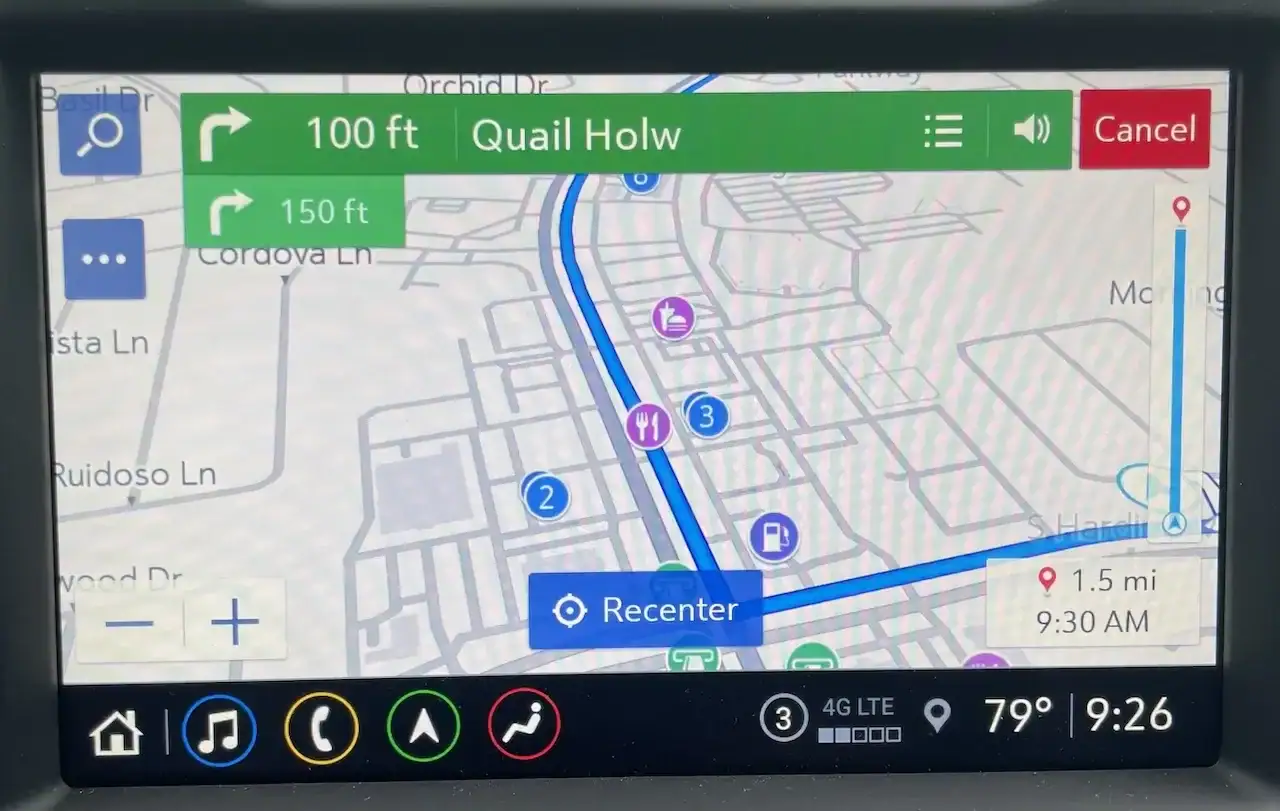
- Touchscreen with easy-to-use menus
- Points of interest like gas stations and restaurants
- Offline maps for areas without signal
Some GPS units also include speed limit alerts and lane guidance. Choose the features you will use most.
Compatibility With Your Car
Check if the GPS system fits your car’s make and model. Some built-in systems only work with certain vehicles.
Portable GPS units usually work with any car. Still, ensure the mount and power options suit your vehicle.
- Confirm screen size fits your dashboard space
- Power supply options like cigarette lighter or USB
- Mount type that attaches securely in your car
- Compatibility with your car’s software, if built-in
Credit: www.whiteautoandmedia.com
Preparing For The Upgrade
Upgrading your car’s GPS system can improve navigation and add useful features. Before starting, it is important to prepare properly. This helps avoid problems and data loss during the upgrade.
In this guide, you will learn how to back up your data, gather the needed tools, and check for software updates. Each step ensures a smooth upgrade process.
Backing Up Existing Data
Backing up your current GPS data protects your saved locations and preferences. You can restore them if something goes wrong.
- Connect your car’s GPS to a USB drive or computer.
- Use the GPS menu to export your saved data.
- Save the backup file in a safe location.
- Verify the backup file works by opening it on your device.
Gathering Necessary Tools
Having the right tools ready makes the upgrade easier and faster. Check that you have all items before you begin.
| Tool | Purpose |
| USB Drive | To transfer backup data and update files |
| Car Charger | To keep power during the upgrade |
| Computer | To download and prepare update files |
| User Manual | To follow specific upgrade instructions |
Checking Software Updates
Before you upgrade, check if new software updates are available for your GPS. Updates can fix bugs and add features.
- Connect your GPS system to the internet or a computer.
- Open the GPS settings menu and find the update section.
- Check if there is a new version available.
- Download the update file if needed and save it to your USB drive.
Step-by-step Installation Guide
Upgrading your car’s GPS system can improve navigation and add new features. This guide helps you replace the old unit with a new one. Follow each step carefully for a smooth installation.
Before you begin, make sure you have the right tools and a compatible GPS device. Take your time to avoid damage to your car’s dashboard or wiring.
Removing Old Gps Unit
Start by turning off your car and disconnecting the battery. This prevents any electrical issues during the removal process. Use a trim removal tool to gently pry the dashboard panel around the GPS unit.
- Disconnect the power cable from the old GPS
- Unplug any antenna connectors carefully
- Remove screws or brackets holding the unit
- Pull the GPS unit out slowly without forcing it
Connecting The New Device
Check the new GPS unit’s wiring and connectors. Match each cable to the correct port on your car’s wiring harness. Use the manual that comes with your device for guidance.
| Connector | Function | Tip |
| Power cable | Supplies electricity | Secure firmly to avoid loose connection |
| Antenna port | Receives GPS signals | Ensure antenna is properly aligned |
| Audio connector | Outputs sound to speakers | Match left and right channels correctly |
Securing The System In Place
After connecting all cables, test the new GPS unit by turning on your car. Check the display and functions. Once confirmed, secure the unit into the dashboard.
- Replace any screws or brackets to hold the GPS
- Snap the dashboard panel back into place
- Reconnect the car battery
- Run a final test to confirm everything works

Credit: www.carputech.com
Configuring Your New Gps
Upgrading the GPS in your car means setting it up correctly. Proper configuration helps you get accurate directions every time.
This guide covers key steps to set your new GPS to work smoothly and efficiently.
Setting Up Preferences
Start by entering your preferred settings. You can adjust voice guidance, units of measurement, and route types.
- Choose metric or imperial units for distance
- Select a voice for navigation instructions
- Set your preferred route: fastest, shortest, or avoiding tolls
- Enable or disable traffic alerts
- Adjust screen brightness for day or night driving
Downloading Maps And Updates
Keep your GPS current by downloading the latest maps and software updates. This keeps navigation accurate and reliable.
| Update Type | Purpose | Frequency |
| Map Updates | New roads and changed routes | Every 3-6 months |
| Software Updates | Fix bugs and add features | When available |
| Points of Interest | New locations like stores and gas stations | Monthly or quarterly |
Testing Navigation Features
After setup, test your GPS to make sure all features work as expected. Check voice commands and route accuracy.
- Enter a nearby address to test route calculation
- Listen to voice guidance for clarity and timing
- Verify if the GPS updates your location correctly
- Try rerouting to avoid traffic or roadblocks
- Check screen visibility in different light conditions
Troubleshooting Common Issues
Upgrading your car’s GPS can improve navigation. Sometimes, issues may happen after an upgrade. Troubleshooting helps fix these problems fast.
Below are common issues and ways to solve them. Follow these tips to keep your GPS working well.
Signal Problems
Weak or lost GPS signals cause wrong directions or no location. Trees, tall buildings, or bad weather can block signals. Check your GPS antenna and clear any cover around it.
- Park in an open area to test signal strength.
- Make sure your GPS antenna is clean and not blocked.
- Restart the GPS device to reset connection.
- Check for any firmware updates that fix signal issues.
Software Glitches
Software bugs can cause freezing or wrong maps. These glitches happen after updates or due to corrupted files. Restart the GPS or reset settings to default.
| Problem | Possible Fix |
| GPS freezes | Restart device, clear cache |
| Maps not loading | Update software, check internet |
| Incorrect location | Reset GPS, calibrate compass |
Power And Connectivity
Power issues cause the GPS to shut off or not start. Loose cables or bad adapters cause connection problems. Check all power sources and connections carefully.
- Inspect the car charger and USB cables for damage.
- Test the GPS with another power source.
- Ensure the fuse for the GPS power line is not blown.
- Check Bluetooth or Wi-Fi settings if your GPS connects to a phone.
Credit: www.carputech.com
Enhancing Your Gps Experience
Upgrading your car’s GPS can make driving more enjoyable. New features can help you find your way easily.
Learning how to use these features will improve your travel experience. Here are some tips to get started.
Using Voice Commands
Voice commands allow you to keep your hands on the wheel. This makes driving safer and easier.
- Say “Navigate to” followed by the address.
- Use “Find nearest” to locate gas stations or restaurants.
- Control music by saying “Play” and the song name.
Integrating With Smartphone Apps
Connecting your GPS with smartphone apps brings more features. It can sync with your calendar and contacts.
Exploring Advanced Features
Advanced GPS features can improve your driving experience. They offer more than just directions.
| Feature | Benefit |
| Lane Guidance | Helps you stay in the correct lane |
| Speed Limit Alerts | Warns you if you’re driving too fast |
| 3D Maps | Gives a detailed view of your surroundings |
Frequently Asked Questions
How Do I Update My Car Gps Software?
To update your car GPS software, connect the system to Wi-Fi or a USB drive. Download the latest update from the manufacturer’s website. Follow on-screen instructions to install the update and improve navigation accuracy and features.
Can I Upgrade Gps Hardware In My Car?
Yes, you can upgrade your car’s GPS hardware by replacing the factory unit. Choose a compatible aftermarket GPS system with better features like faster processing and real-time traffic updates. Professional installation is recommended for optimal performance.
What Are The Benefits Of Upgrading Car Gps?
Upgrading your car GPS enhances navigation accuracy, adds real-time traffic data, and improves user interface. It ensures faster route calculations and access to newer maps. This helps reduce travel time and increases driving safety.
Is It Possible To Add Smartphone Gps To Car System?
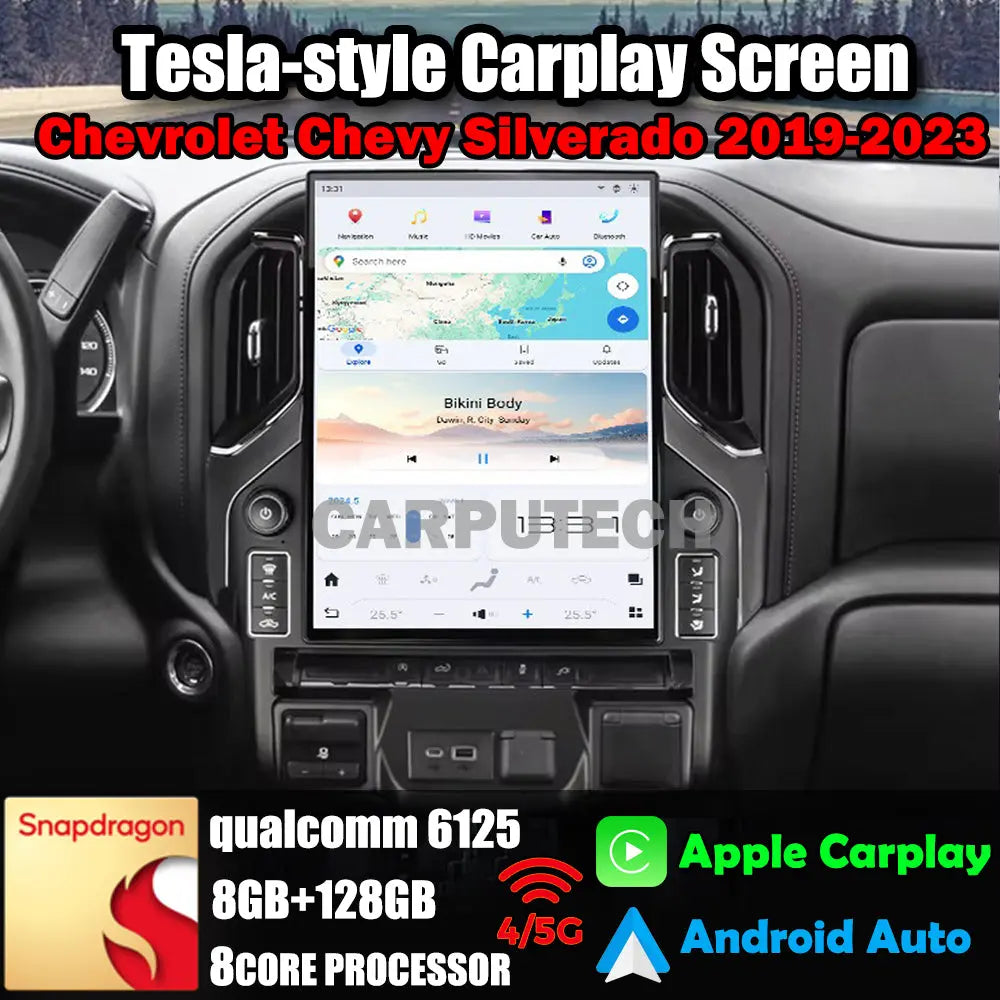
You can integrate smartphone GPS with your car via Apple CarPlay or Android Auto. This allows using your phone’s navigation apps on the car’s display. It provides updated maps, voice control, and live traffic alerts easily.
Conclusion
Upgrading your car’s GPS can improve your driving experience. Choose a system that fits your needs and budget. Installation can be simple with the right tools. Keep your GPS software updated for best performance. Good navigation helps you save time and avoid traffic.
Enjoy safer and easier trips with better directions. A small upgrade can make a big difference. Start planning your GPS upgrade today for smoother journeys ahead.







