
Have you ever wished you had proof of what happened behind your car during an accident or unexpected event? Installing a rear dash cam is the easiest way to capture everything happening on the road behind you.
But how do you get started? You might think it’s complicated or time-consuming, but it’s simpler than you imagine. In this guide, you’ll learn step-by-step how to install a rear dash cam quickly and correctly. By the end, you’ll feel confident protecting yourself and your vehicle with clear, reliable footage.
Keep reading—your car’s safety just got a major upgrade.
Choosing The Right Rear Dash Cam
Installing a rear dash cam helps you record what happens behind your vehicle. It adds extra safety and proof in case of accidents.
Picking the right rear dash cam is important. It should fit your needs and work well with your car.
Key Features To Consider
Look for a camera with good video quality. Clear images help in identifying details like license plates.
Night vision is a helpful feature. It allows the camera to record well in low light or dark conditions.
- High resolution (1080p or higher)
- Wide-angle lens to cover more area
- Loop recording to save space
- G-sensor to detect sudden impacts
- Night vision or low-light capability
Compatibility With Your Vehicle
Check if the dash cam fits your car type. Some models suit specific vehicles better.
Consider how the camera will mount on your rear window. It should not block your view or interfere with car functions.
- Size and shape of the camera
- Mounting options (suction cup, adhesive, or built-in)
- Power source compatibility (cigarette lighter or hardwiring)
- Connection type with front dash cam (if needed)
Budget And Quality Balance
Set a budget before buying. Rear dash cams come in many price ranges.
Choose a model that offers good quality within your budget. Avoid very cheap options that may break easily.
- Low budget: basic features, lower video quality
- Mid budget: good video, more features
- High budget: best video quality, extra functions
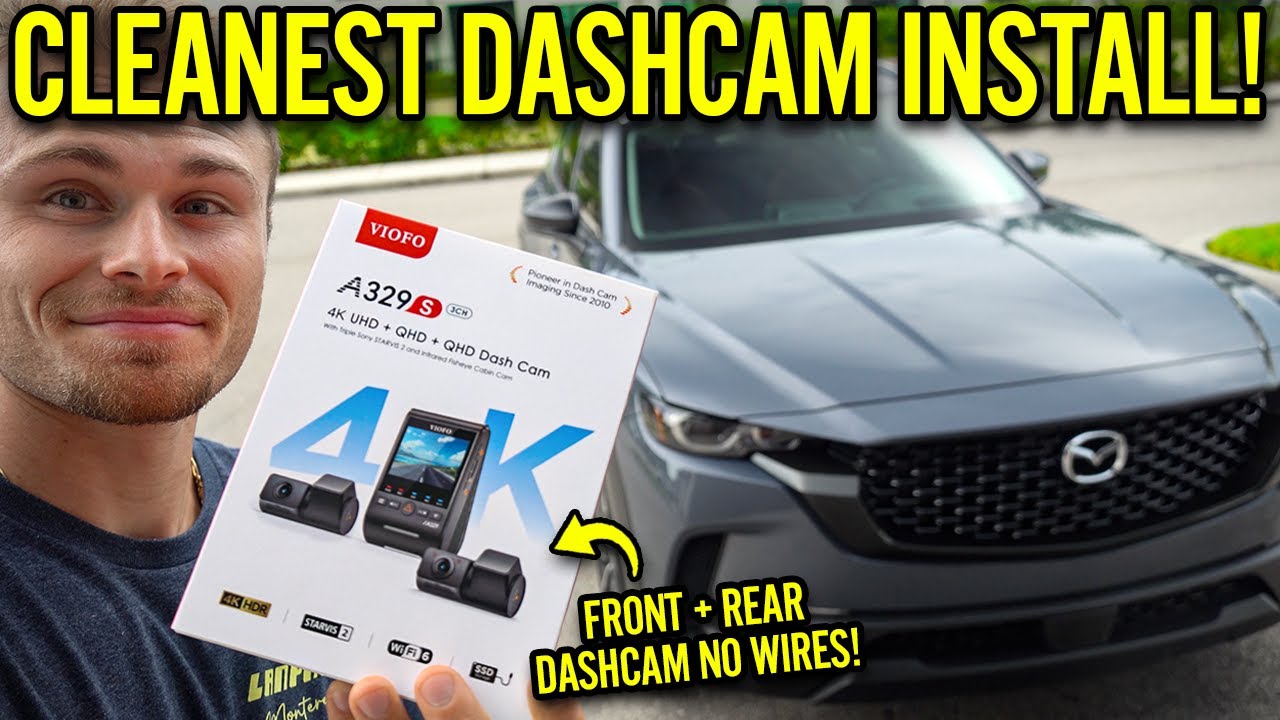
Credit: www.youtube.com
Preparing For Installation
Installing a rear dash cam helps record your driving behind the car. Good preparation makes the process easy. Gather your tools and choose the right spot before starting.
Cleaning the area ensures the dash cam sticks well. Taking time to prepare saves you trouble later on.
Gathering Necessary Tools
Collect all the tools you need before installation. This helps you work quickly and avoid interruptions. Having the right tools makes the job smoother.
- Rear dash cam unit
- Mounting bracket or adhesive pad
- Power cable and adapter
- Trim removal tool
- Cleaning wipes or alcohol pads
- Microfiber cloth
- Zip ties or cable clips
- Optional: fuse tap or voltage tester
Selecting The Best Mounting Location
Pick a spot on the rear window that gives a clear view. Avoid places blocked by headrests or passengers. The camera should not distract the driver.
Make sure the location is near a power source and easy to reach for wiring. The camera lens must face straight back without obstruction.
- Center of the rear windshield
- High enough to avoid headrests
- Avoid tinted or heated glass lines
- Near power cable route
- Stable and flat surface
Cleaning The Installation Area
Clean the area where you will mount the dash cam. Dust and dirt reduce the stickiness of the adhesive. Use a good cleaner that does not leave residue.
Wipe the surface dry with a microfiber cloth. A clean surface helps the dash cam stay in place longer and avoid falling off.
- Use alcohol wipes or glass cleaner
- Remove all dust and grease
- Dry completely with a soft cloth
- Do not touch the cleaned area after wiping
Wiring The Rear Dash Cam
Installing a rear dash cam requires careful wiring for reliable power. Proper wiring keeps the camera running smoothly and avoids damage.
This guide covers how to route the power cable, connect it to your vehicle’s power source, and hide the wires for a clean look.
Routing The Power Cable
Start by planning the cable path from the rear camera to the front of your vehicle. Avoid sharp edges and moving parts.
- Run the cable along the roof lining or door seals.
- Use trim panels to hide the wires inside the car.
- Keep the cable away from airbags and seatbelt mechanisms.
- Measure the cable length before cutting or connecting.
Connecting To The Vehicle’s Power Source
Most rear dash cams connect to the vehicle’s fuse box or the cigarette lighter socket for power. Choose the best option for your car.
| Power Source | Description | Notes |
| Fuse Box | Connects directly to vehicle wiring | Use a fuse tap for safety |
| Cigarette Lighter Socket | Plug-in power adapter | Easy to install but less permanent |
| Battery | Direct connection to battery terminals | Requires inline fuse and caution |
Hiding And Securing Wires
Secure cables to prevent them from hanging loose or causing distractions. Use clips and tape to hold wires in place.
Tips to hide and secure wires:
- Use plastic clips to fasten wires along edges.
- Wrap excess cable with zip ties.
- Cover visible wires with trim or weatherstripping.
- Check for tight connections before reassembling panels.
Mounting The Rear Dash Cam
Mounting the rear dash cam correctly is important for clear video recording. A good mount keeps the camera steady and captures the right view behind your vehicle.
This guide covers how to attach the mount, adjust the camera angle, and test its position.
Attaching The Mount To The Rear Window
Clean the rear window where you want to place the mount. Dirt or dust can make the mount fall off.
- Use an alcohol wipe to clean the glass.
- Dry the area completely with a lint-free cloth.
- Peel off the adhesive backing from the mount.
- Press the mount firmly on the window for 30 seconds.
- Let the adhesive set for at least 10 minutes before attaching the camera.
Adjusting Camera Angle
After mounting, tilt the camera lens to cover the rear view fully. The angle affects what the camera records.
| Adjustment | Purpose |
| Tilt Up | Capture higher view, avoid car roof |
| Tilt Down | Focus on road and traffic behind |
| Rotate Left | Cover left side blind spots |
| Rotate Right | Cover right side blind spots |
Testing Camera Position
Check the camera’s view on your dash cam screen or phone app. Adjust if the image is blurry or the view is blocked.
- Turn on the dash cam and view the live feed.
- Check for any obstructions like headrests or stickers.
- Adjust the mount or camera angle as needed.
- Drive a short distance to confirm stable footage.
- Secure all cables to prevent movement during driving.
Configuring The Dash Cam Settings
After installing your rear dash cam, you need to set it up correctly. This will help the dash cam record better and work as you want.
Configuring the settings includes setting the date and time, adjusting video quality, and turning on parking mode.
Setting Date And Time
Set the correct date and time so your videos have accurate timestamps. This helps if you need the recordings for proof or review.
Use the dash cam menu to find the date and time settings. Choose your time zone and adjust the date and time manually or sync with GPS if available.
Adjusting Video Quality
Video quality affects how clear your recordings are and how much space they use. Higher quality means clearer videos but larger file sizes.
- High quality: Best image, uses most storage
- Medium quality: Balanced image and storage use
- Low quality: Uses less space, lower clarity
Select the video resolution that fits your needs. Most dash cams offer 1080p or 720p options.
Activating Parking Mode
Parking mode lets your dash cam record even when the car is off. It detects motion or impacts near your car.
| Parking Mode Type | Description |
| Motion Detection | Starts recording if it senses movement |
| Impact Detection | Records when it detects a bump or shake |
| Continuous Monitoring | Records constantly in parking mode |
Activate parking mode in your dash cam settings. Check if your model needs external power for parking mode.
Troubleshooting Common Issues
Installing a rear dash cam can sometimes lead to problems. Understanding and fixing these issues will help ensure your camera works properly.
This guide covers common issues like power problems, video quality, and recording interruptions.
Camera Not Powering On
If your rear dash cam isn’t turning on, it might be a power issue. Make sure the power cable is properly connected.
- Check the car’s power outlet for faults
- Examine the power cable for any damages
- Ensure the ignition is switched on
Poor Video Quality
Blurry or unclear video can be frustrating. This is often due to lens dirt or incorrect settings.
| Issue | Solution |
| Dirty lens | Clean with soft cloth |
| Wrong resolution | Adjust in settings menu |
| Low light | Improve lighting or use night mode |
Recording Interruptions
Recording can stop unexpectedly due to storage or connection issues. Ensure your memory card is not full.
Maintaining Your Rear Dash Cam
Keeping your rear dash cam in good condition is essential. Regular maintenance ensures it works properly and captures clear footage.
Follow these simple steps to maintain your rear dash cam effectively.
Regular Cleaning Tips
Clean your dash cam to prevent dust and smudges. This keeps the lens clear for better video quality.
- Use a soft microfiber cloth to wipe the lens.
- Avoid harsh chemicals that may damage the camera surface.
- Check the camera mount to ensure it is secure.
Firmware Updates
Firmware updates are important for your dash cam. They improve performance and fix software issues.
- Visit the manufacturer’s website for updates.
- Download the latest firmware version.
- Follow the instructions to install it on your device.
Storage Management
Manage your dash cam’s storage to ensure you have enough space for new recordings. Regularly check and format the memory card.
| Action | Frequency |
| Check storage space | Weekly |
| Format memory card | Monthly |
| Backup important footage | As needed |
Credit: dashcamtalk.com
Credit: www.velarforums.co.uk
Frequently Asked Questions
How Do I Choose The Best Rear Dash Cam?
Choose a rear dash cam with high resolution, wide viewing angle, and night vision. Ensure it fits your vehicle and supports easy installation.
What Tools Are Needed To Install A Rear Dash Cam?
You typically need a trim removal tool, screwdriver, and possibly a fuse tap. Some dash cams include necessary tools in the package.
Can I Install A Rear Dash Cam Myself?
Yes, most rear dash cams are designed for DIY installation. Follow the instructions carefully and route cables neatly for best results.
How Do I Connect The Rear Dash Cam To Power?
Connect the rear dash cam to your vehicle’s fuse box or cigarette lighter socket for power. Use a hardwire kit for a clean setup.
Conclusion
Installing a rear dash cam is simple with clear steps. It helps record your driving and keeps you safe. Place the camera carefully for the best view. Connect the wires securely to avoid problems later. Test the camera before driving to make sure it works.
This small device adds extra protection on the road. Taking a little time now can save trouble later. Drive with confidence knowing your rear dash cam is ready.







