
Have you ever wondered how you can keep an eye on your car’s exact location anytime you want? Whether you want to protect your vehicle from theft, monitor a family member’s driving, or keep track of a company fleet, GPS tracking can give you peace of mind.
But how do you actually track a car with GPS? You’ll discover simple, clear steps to set up and use GPS tracking effectively. By the end, you’ll know exactly how to stay connected to your car no matter where it goes.
Keep reading to unlock the secrets of car tracking made easy.
Basics Of Gps Tracking
GPS tracking is a way to find the exact location of a car. It uses satellites to send signals to a device in the car. This helps you see where the car is on a map.
People use GPS tracking to keep their cars safe and to know their routes. It works all day and in many places.
How Gps Technology Works
GPS stands for Global Positioning System. It uses a group of satellites in space that send signals to GPS devices.
The GPS device in the car gets signals from at least four satellites. It calculates the car’s exact position using these signals.
Types Of Gps Trackers
There are different GPS trackers for cars. Some are small and hidden, while others are bigger and easy to see.
- Real-time trackers send live location updates.
- Passive trackers store data to check later.
- OBD trackers plug into the car’s port.
- Battery-powered trackers work without wires.
Key Features To Look For
When choosing a GPS tracker, some features matter most. These features help you get good use from the device.
- Accuracy: Shows the exact location of the car.
- Battery Life: Lasts long without charging.
- Real-Time Updates: Sends location data instantly.
- Geo-Fencing: Alerts if the car leaves a set area.
- History Log: Saves past routes and stops.
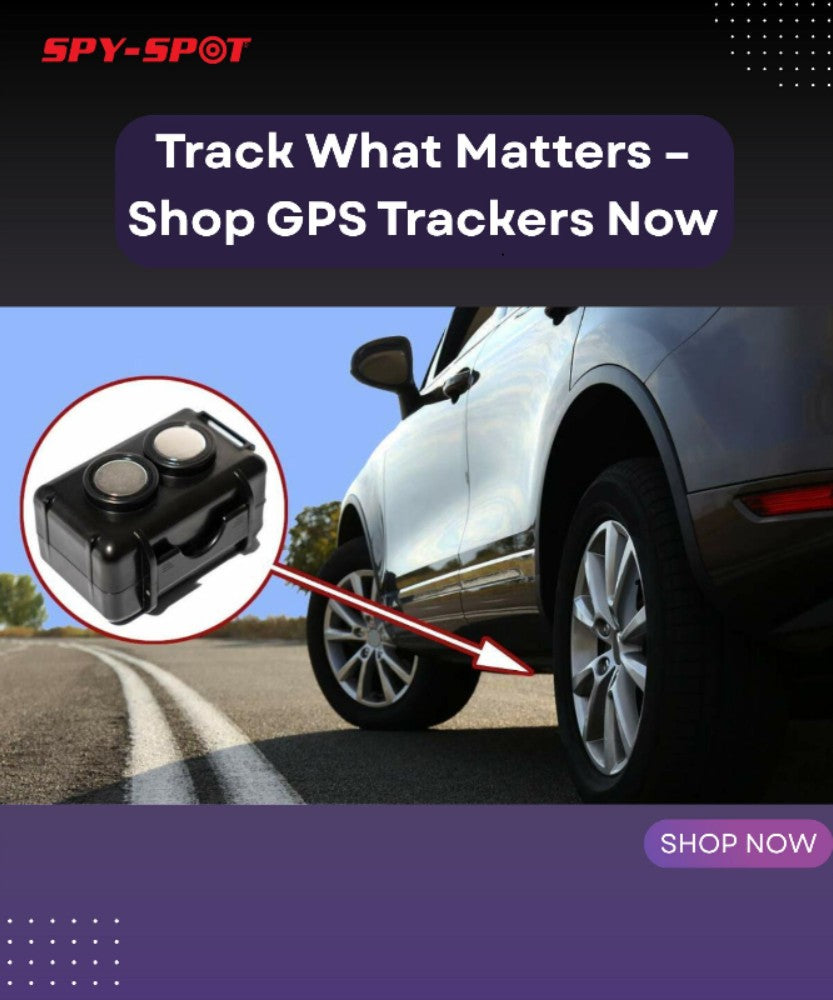
Credit: spy-spot.com
Choosing The Right Gps Tracker
Tracking a car with GPS can help you keep it safe and monitor its location. Picking the right GPS tracker is important. The choice depends on how you want to use it and your vehicle type.
This guide covers key points to consider before buying a GPS tracker. You will learn about wired and wireless options, battery life, and vehicle compatibility.
Wired Vs. Wireless Trackers
Wired GPS trackers connect directly to your car’s power system. They offer constant power and do not need charging. Wireless trackers use batteries and can be placed anywhere in the vehicle.
- Wired Trackers:Need professional installation.
- Wireless Trackers:Easy to install and move.
- Wired Trackers:Less chance of losing power.
- Wireless Trackers:Require regular battery checks.
Battery Life Considerations
| Type | Battery Life | Charging Needed |
| Wired Tracker | Unlimited (car power) | No |
| Wireless Tracker | Few days to months | Yes |
Think about how often you can charge your device. If you want low maintenance, a wired tracker is better. For temporary tracking, wireless may be suitable.
Compatibility With Vehicles
Not all GPS trackers fit every vehicle type. Check if the tracker suits your car’s make and model. Some trackers work only with cars, while others fit trucks or motorcycles.
- Confirm tracker size fits your vehicle.
- Check power supply type (12V or 24V).
- See if the tracker supports your vehicle’s system.
Installation Process
Tracking a car with GPS needs a proper installation process. A good setup ensures accurate tracking and device safety.
This guide explains how to install a GPS tracker in your vehicle step by step. It also covers common mistakes and installation options.
Step-by-step Installation Guide
First, choose a hidden spot in the car to place the GPS device. Popular places include under the dashboard or inside the glove box.
Next, connect the GPS tracker to the car’s power source. Usually, this is done by tapping into the fuse box or the car battery.
- Turn off the car’s engine and disconnect the battery before starting.
- Secure the GPS device with double-sided tape or zip ties.
- Use the wiring diagram provided with the tracker to connect power wires correctly.
- Check that the GPS tracker has a clear signal to satellites.
- Test the device by tracking the car on the app or website.
Common Installation Mistakes
Many people place the GPS tracker where the signal is blocked. This causes poor tracking or no signal at all.
Some users connect the device to the wrong power source. This can drain the car battery or damage the tracker.
- Placing the tracker inside metal compartments that block signals
- Not securing the device firmly, causing it to fall or disconnect
- Ignoring the wiring instructions and connecting wires incorrectly
- Installing the tracker in visible locations, risking theft
Professional Vs. Diy Installation
Professional installation offers safety and correct wiring. Experts can hide the device well and test the system thoroughly.
DIY installation saves money but needs careful work. Beginners might make errors that affect tracking or car electronics.
- Professional:Quick, safe, tested setup, but costs more
- DIY:Lower cost, flexible timing, needs good skills
- Consider your confidence with car wiring before choosing
- Always follow the tracker’s manual for best results
Setting Up Real-time Tracking
Real-time tracking lets you see a car’s location instantly. It uses GPS technology to send data to your device.
This guide covers how to connect apps, set alerts, and access tracking data online.
Connecting To Mobile Apps
Most GPS trackers link to mobile apps for easy use. You must download the app from your phone’s store.
After installing, log in with your account or create one. Then, sync the GPS device to the app using a unique code or Bluetooth.
- Download the app on your smartphone.
- Create or log into your account.
- Turn on the GPS device in the car.
- Pair the device with the app via code or Bluetooth.
- Check if the app shows the car’s location.
Configuring Alerts And Notifications
Alerts help you know about important events by sending messages. You can set notifications for speed, location, or movement.
| Alert Type | Description | Use Case |
| Speed Alert | Warns when speed limit is exceeded | Monitor safe driving |
| Geofence Alert | Notifies when car enters or leaves an area | Track car zones |
| Movement Alert | Signals when car starts moving | Detect unauthorized use |
| Battery Alert | Alerts low device battery | Prevent tracking loss |
Accessing Tracking Data Online
You can view tracking data on a website. Log in with the same details used in the app.
The site shows maps, history, and reports. You can also export data for later use.
- Live location on map
- Trip history and route playback
- Speed and stop reports
- Export data as CSV or PDF
Benefits Of Real-time Car Tracking
Real-time car tracking helps you know where your vehicle is at all times. This technology uses GPS to send location data instantly. It brings many useful benefits for different users.
From improving security to managing a fleet, real-time tracking makes car use safer and more efficient. Families also feel safer knowing their loved ones are protected.
Enhanced Vehicle Security
Tracking your car in real time helps prevent theft and loss. You can quickly find your car if it moves without your permission. Alerts notify you of unusual activity.
- Receive instant notifications for unexpected movement
- Locate your car quickly after theft
- Monitor parking locations remotely
- Help law enforcement recover the vehicle
Fleet Management Efficiency
Businesses with many vehicles save time and money by using real-time tracking. They can monitor routes, check fuel use, and plan schedules better. This reduces delays and costs.
| Benefit | Impact |
| Route Optimization | Less fuel use and faster trips |
| Vehicle Monitoring | Better maintenance and fewer breakdowns |
| Driver Behavior | Improved safety and training |
| Schedule Tracking | On-time deliveries and pickups |
Peace Of Mind For Families
Families feel safer knowing they can track their loved ones’ cars. Parents can check if teenagers drive safely. Real-time updates reduce worry about emergencies.
- Monitor teen drivers’ locations and speed
- Get alerts if the car leaves a safe zone
- Confirm safe arrival at school or work
- React quickly in case of accidents
Legal And Privacy Considerations
Tracking a car with GPS is useful but comes with legal and privacy issues. Understanding these is important for lawful use.
There are regulations to follow to protect privacy rights and avoid legal problems. Let’s explore these considerations.
Regulations On Gps Tracking
Different countries have laws about GPS tracking. Knowing these laws is essential before using GPS technology.
- Check local laws about GPS tracking.
- Understand consent requirements.
- Be aware of penalties for illegal tracking.
Respecting Privacy Rights
Respecting privacy rights is crucial when tracking a vehicle. Unauthorized tracking can lead to privacy violations.
| Action | Privacy Impact |
| Tracking without consent | Violation of privacy laws |
| Informing the tracked person | Compliance with laws |
| Data protection measures | Enhances privacy |
Avoiding Legal Issues
Avoiding legal problems requires careful action. Ensure that you use GPS tracking in a lawful and ethical manner.
Troubleshooting Common Issues
Tracking a car with GPS can sometimes be tricky. Issues may arise that hinder the tracking process. Here are some common problems and solutions.
Understanding these issues helps maintain effective tracking. Let’s explore solutions for signal loss, battery issues, and app glitches.
Signal Loss Solutions
GPS signal loss can occur due to various reasons. Buildings, tunnels, and dense trees may block signals. Ensure the GPS device is placed where it has a clear view of the sky.
- Place the device on the dashboard.
- Avoid areas with heavy obstructions.
- Check for any physical damage to the GPS antenna.
Battery And Power Problems
Battery issues can disrupt GPS tracking. A well-charged battery is essential. Ensure the device is connected to a power source.
| Problem | Solution |
| Battery drains quickly | Check connections and replace if needed |
| Device not charging | Try a different charger |
| Power cuts off frequently | Inspect the car’s power outlet |
App And Software Glitches
Software glitches can cause tracking issues. Ensure your app is updated. Sometimes, restarting the app or device resolves these problems.

Credit: www.amazon.ca
Future Trends In Gps Tracking
GPS tracking is changing fast with new technologies. These changes will improve how we track cars.
We will see better tools and smarter systems in the near future. These will help drivers and car owners a lot.
Integration With Smart Vehicles
Smart vehicles will have GPS built right into their systems. This allows real-time tracking and data sharing.
- Automatic location updates
- Connection with car sensors
- Remote vehicle control features
- Improved safety alerts
Advancements In Tracking Accuracy
New GPS technology will give more exact car positions. This means less error and better route tracking.
| Technology | Benefit |
| Multi-frequency GPS | Reduces signal errors |
| Satellite augmentation | Improves location precision |
| AI-based prediction | Better movement tracking |
Emerging Technologies
New tools like 5G, IoT, and drones will change GPS tracking. They add speed, more data, and new tracking ways.
Examples of emerging technologies in GPS tracking:
- 5G networks for fast data transfer
- Internet of Things (IoT) devices for connected tracking
- Drones for aerial vehicle monitoring
- Blockchain for secure tracking data

Credit: alfred.camera
Frequently Asked Questions
How Does Gps Tracking Work For Cars?
GPS tracking uses satellites to pinpoint a car’s location. A GPS device in the vehicle sends this data to a server. Users access real-time location via an app or website. This helps in monitoring routes, speed, and vehicle security efficiently.
What Devices Are Needed To Track A Car With Gps?
You need a GPS tracking device installed in the car. This device communicates location data to a mobile app or website. A smartphone or computer is required to access the tracking information anytime and anywhere.
Is Gps Car Tracking Legal Without Owner Consent?
Tracking a car without owner consent is illegal in many regions. Always get permission before installing a GPS tracker on someone else’s vehicle. Check local laws to ensure compliance and avoid privacy violations.
Can I Track My Car In Real-time Using Gps?
Yes, most GPS trackers offer real-time tracking. This feature updates the car’s location every few seconds or minutes. It provides instant alerts for movement or unauthorized use, enhancing vehicle security.
Conclusion
Tracking a car with GPS helps you know its exact location anytime. It uses satellites to send real-time data to your device. Many devices and apps make this easy and affordable. Just install the GPS tracker and connect it to your phone or computer.
This method improves safety and keeps your vehicle secure. Always choose a reliable GPS system that fits your needs. Stay informed and protect your car with simple GPS tracking today.







